 ScreenHello
ScreenHello / Beautify
Give your screenshots room to breathe
Add backgrounds, padding, rounded corners, shadows and annotations to screenshots locally in ScreenHello. Keep edits reversible and export the complete canvas.
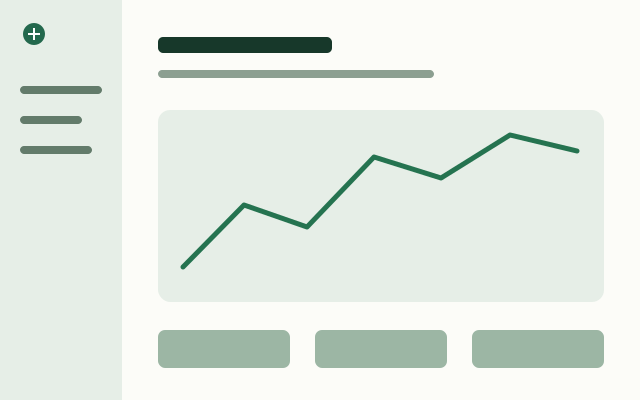
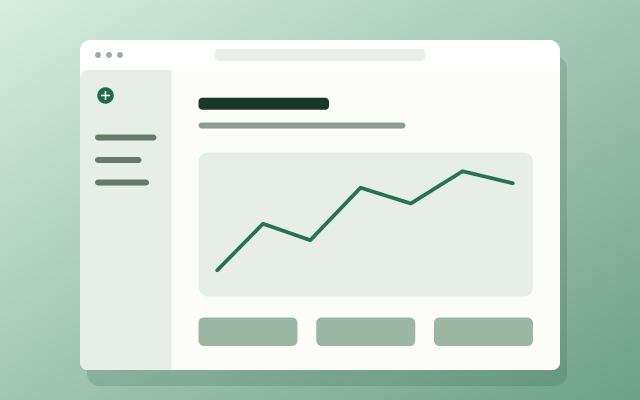
1. Bring in an image
Choose a local file, drop it into the welcome area, or paste an image. Screen capture asks for browser permission. The example button loads a portrait sample on narrow screens and a landscape sample on tablet or desktop-sized windows.
2. Build a consistent style
Set the canvas size, padding, corner radius, shadow and inner border. Choose a solid colour, gradient, bundled image background or your own local background. Use arrows, step numbers and magnifiers to explain what matters. Save reusable styles as local presets.
3. Export the whole composition
Choose PNG for a transparent canvas, or JPG, WebP and AVIF for the other supported workflows. JPEG and WebP exports use a white background for transparency. Zoom changes only the editing view; export scale changes the final pixel dimensions. Review the export settings before downloading.